CASCADE TRACKER LOG-IN INSTRUCTIONS
Once we have given you access to Cascade Tracker, our IT Asset Disposition portal, you can login using your email address and have the system send you a new password. Use that password to login to the portal.
SET A NEW PASSWORD OR RESET A PASSWORD
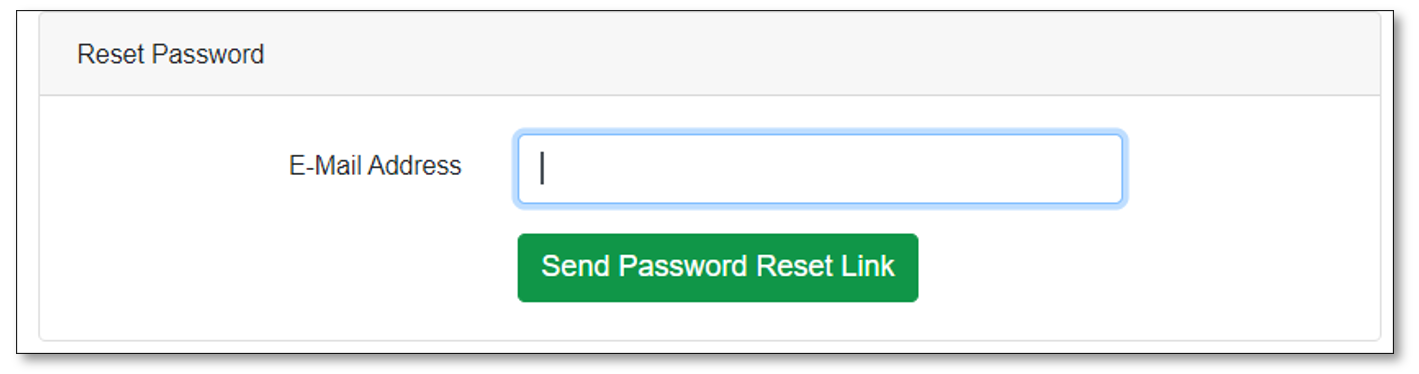
Visit https://tracker.cascade-assets.com/forgot-password
Enter your email address and click on the “Send Password Reset Link.”
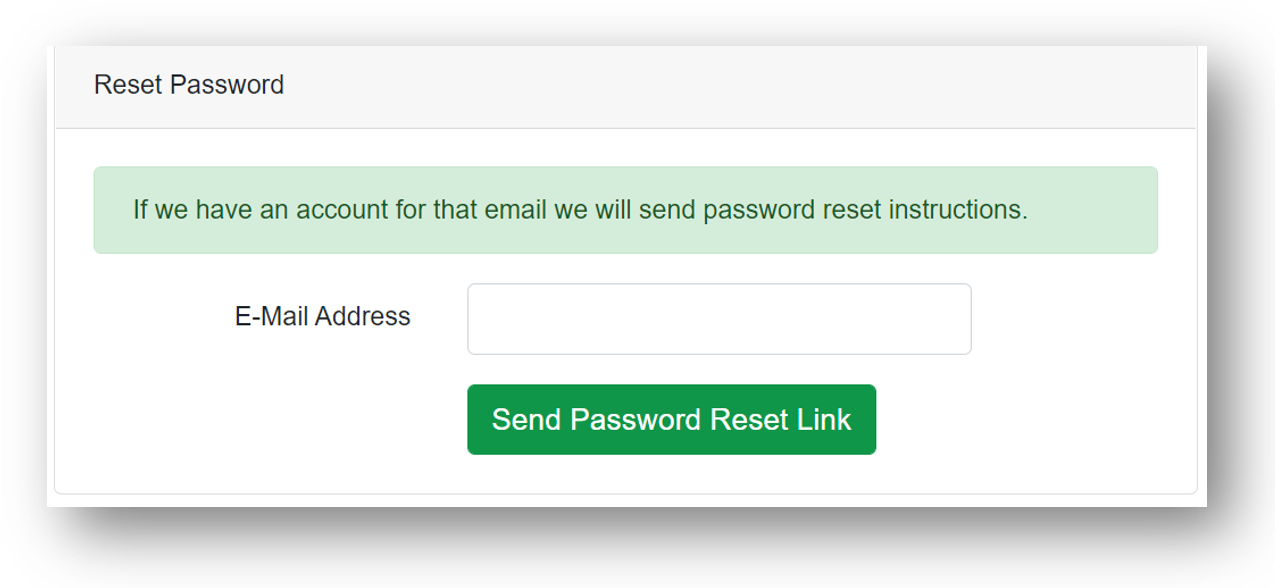
After you enter your email address, a green shaded comment will appear (see screenshot below).
If your email account is setup in the system, an email will be sent to the address you entered within the next minute. Please check your spam folder and/or quarantined messages if you don’t see the email.
If you never get a password reset email or have other issues logging in, contact your Account Manager or email info@sagese.com.
WATCH FOR A “PASSWORD RESET” EMAIL
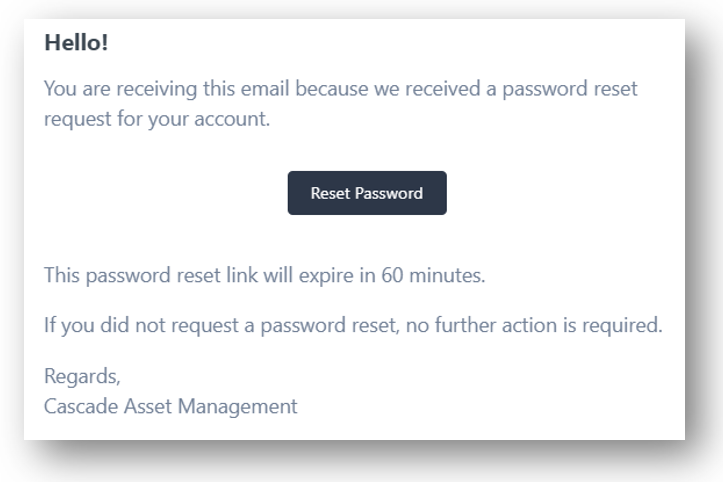
Click on the Reset Password button in the automated email sent from Cascade Asset Management.
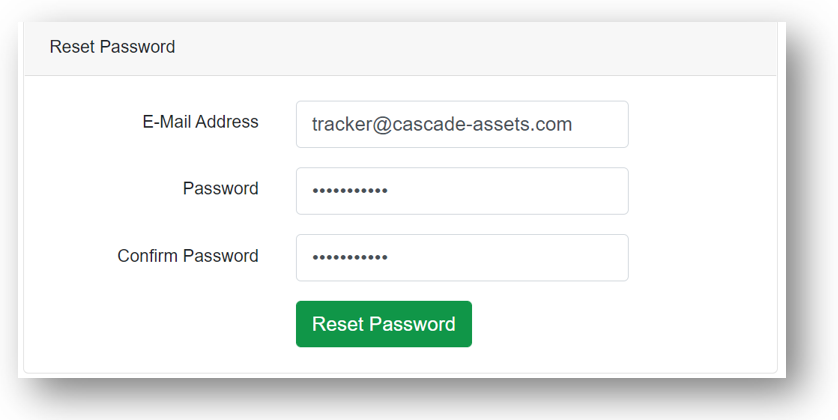
You will be taken back to the Tracker website. Enter your email address and a new Password to create your new login credentials.
You will then be logged into the system. Have fun exploring!